
Tips for Creating an Organized and Productive Home Workspace

Setting up a home workspace that is both organized and productive can greatly improve your ability to focus and get work done efficiently. Whether you’re working remotely, studying, or managing personal projects, having a dedicated, tidy workspace helps you stay motivated and reduce distractions. In this post, we’ll explore practical tips to create a home office environment that supports your best work.
1. Choose the Right Location
Find a Dedicated Space
Select a specific area in your home where you can consistently work. It doesn’t have to be a separate room—a corner of a living room or a nook works too. The key is having a place that signals work time and minimizes distractions.
Consider Lighting and Comfort
Natural light is ideal but if that’s not possible, use bright and adjustable lighting to avoid eye strain. Choose a comfortable chair and desk suited to your height and posture to prevent discomfort during long hours.
2. Declutter Your Workspace
Keep Only Essentials on Your Desk
Remove items that don’t directly contribute to your work. This includes unrelated paperwork, unnecessary gadgets, and personal items. A clear desk helps clear your mind.
Use Storage Solutions
Invest in organizers such as drawers, shelves, and desk trays to keep items like stationery, files, and cables neatly stored when not in use. Label storage to easily find what you need.
3. Organize Your Digital Workspace
Streamline Your Desktop
A cluttered computer desktop can slow you down. Regularly delete or archive unneeded files and organize important documents into well-labeled folders.
Use Productivity Tools
Digital tools like task managers, calendar apps, and note-taking software can help keep your work on track and organized. Tools such as Trello, Google Calendar, or Evernote can be very helpful.
4. Personalize Thoughtfully
Add Inspiring Elements
Decorate with items that inspire and motivate you, such as a plant, artwork, or motivational quotes. However, keep decoration minimal to avoid distractions.
Maintain a Professional Vibe
Even if you work from home, a tidy and professional atmosphere can boost your mindset and productivity.
5. Manage Cables and Electronics
Keep Cables Out of Sight
Use cable organizers, clips, or sleeves to bundle cords and keep them off your desktop and floor. This reduces clutter and prevents accidents.
Optimize Equipment Placement
Arrange devices such as your printer, monitor, and charging stations in a way that is ergonomic and accessible.
6. Establish a Routine and Boundaries
Set Clear Working Hours
Define start and end times for your workday, and communicate these with family or housemates to minimize interruptions.
Take Regular Breaks
Breaks improve focus and reduce fatigue. Use techniques like the Pomodoro method—working in focused intervals with short rests—to enhance productivity.
7. Keep Your Workspace Clean
Regular Cleaning
Wipe down surfaces and equipment to keep your space hygienic and pleasant. A clean area naturally encourages better focus.
Organize at the End of Each Day
Spend a few minutes tidying your workspace before finishing your workday. This creates a fresh start for the next day.
8. Adapt and Evolve
Evaluate What Works
Periodically assess your setup. Are there areas that cause discomfort or distraction? Small changes can make a big difference.
Be Flexible
As your tasks or work style change, feel free to rearrange or upgrade your workspace to meet your current needs.
—
Creating an organized and productive workspace at home doesn’t require a huge investment—just thoughtful planning and maintenance. By choosing the right location, keeping your area clutter-free, personalizing with intention, and maintaining good habits, you can set yourself up for success every workday. Start implementing these tips today, and enjoy a more focused and enjoyable work-from-home experience!
Related Post
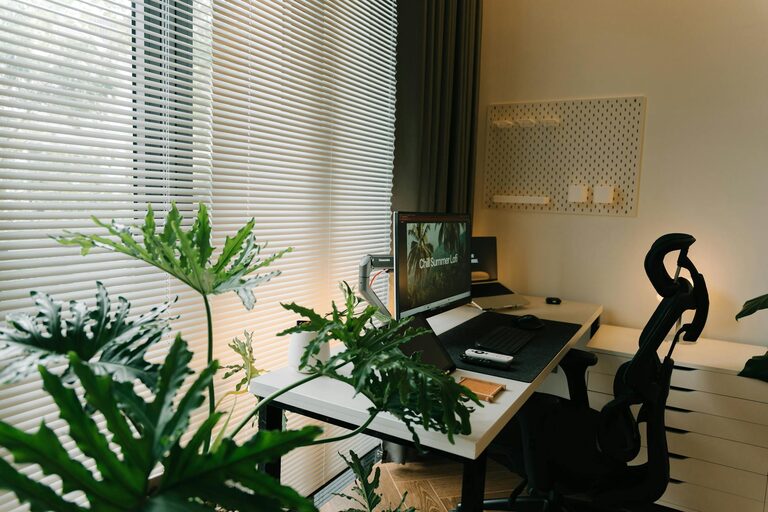
Tips for Creating a Relaxing Home Workspace to Boost Productivity
Discover practical tips to design a calm and comfortable home workspace that enhances focus and [...]
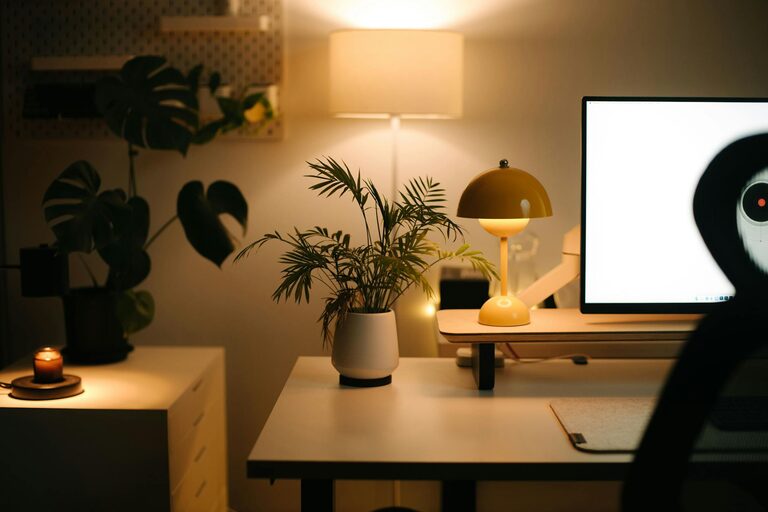
Tips for Creating a Cozy and Inviting Home Office Space
Discover simple, effective ways to transform your home office into a cozy, inviting spot that [...]
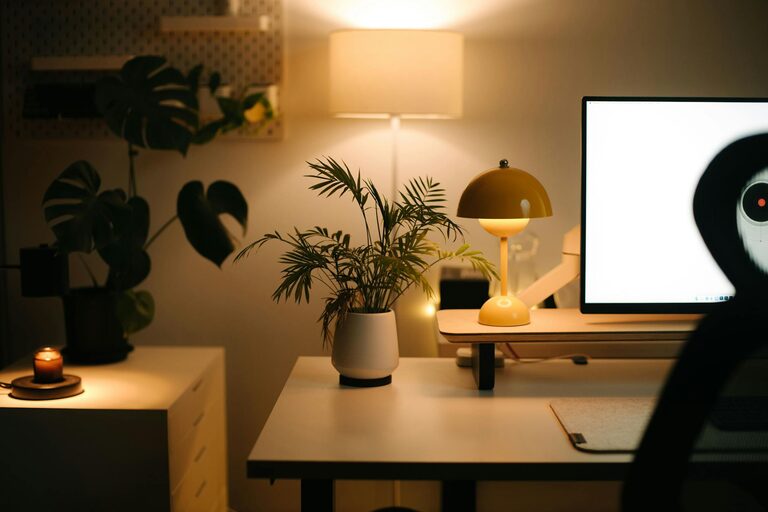
Tips for Creating a Cozy and Inviting Home Workspace
Discover practical tips to design a cozy and inviting home workspace that boosts productivity and [...]